

Бесплатные инструкции EcoFlow – читайте, скачивайте и распечатывайте
13 Руководства
Руководства
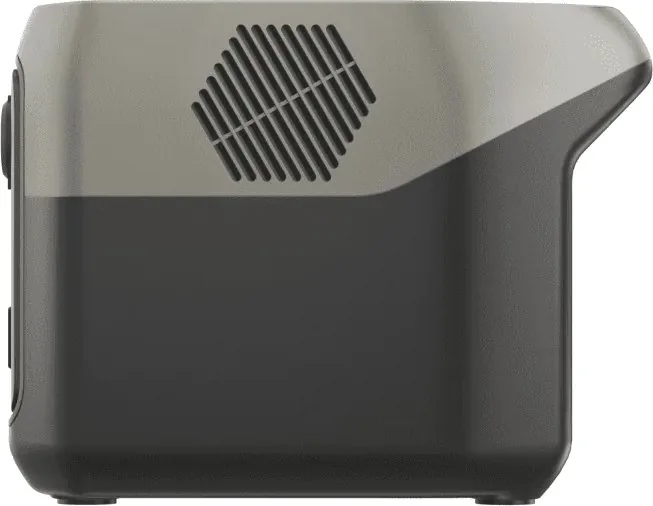
82 страниц
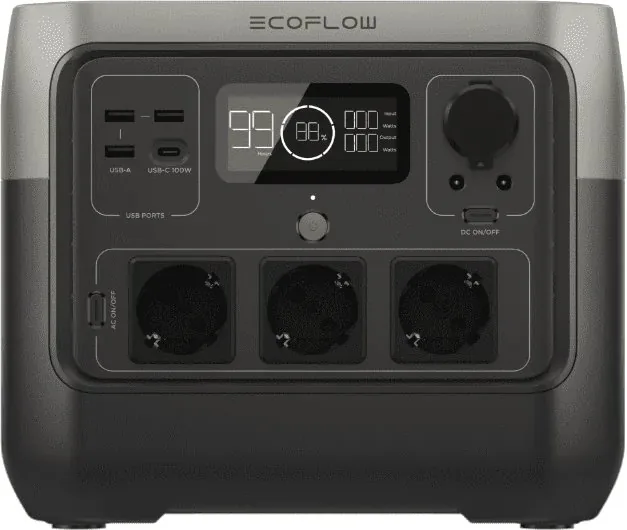
82 страниц

96 страниц
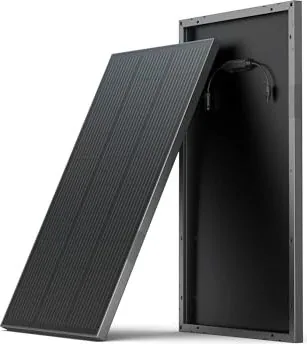
98 страниц
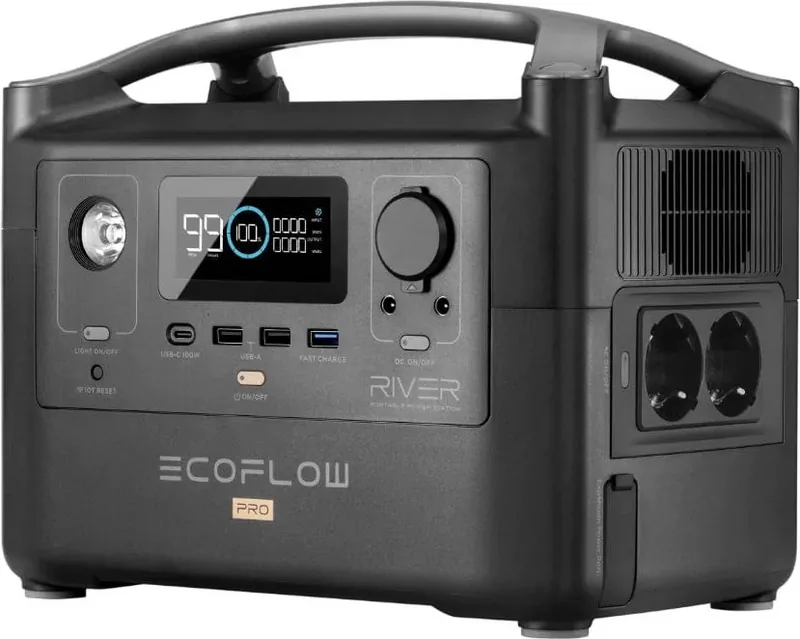
157 страниц
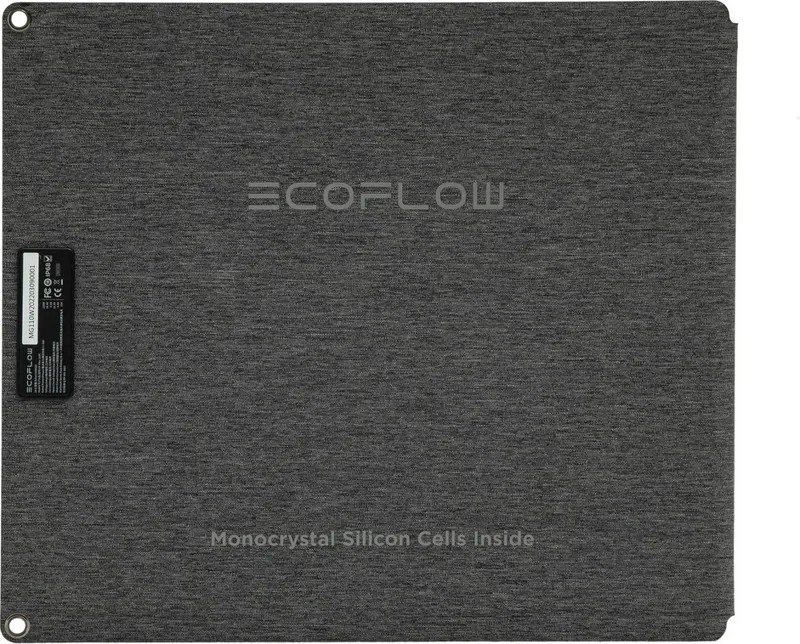
48 страниц
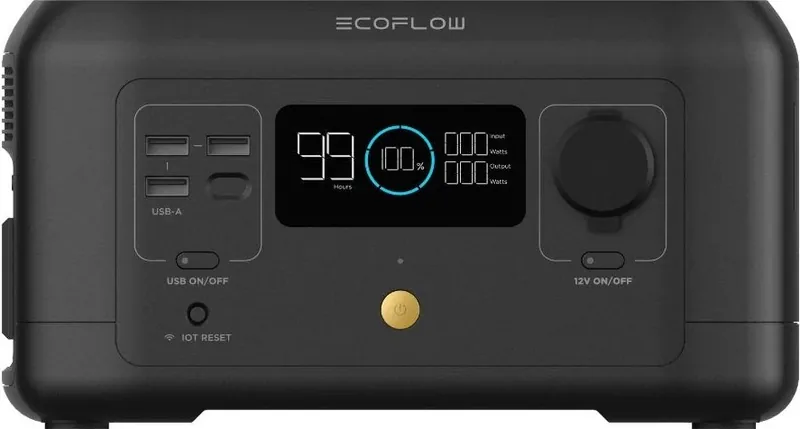
118 страниц
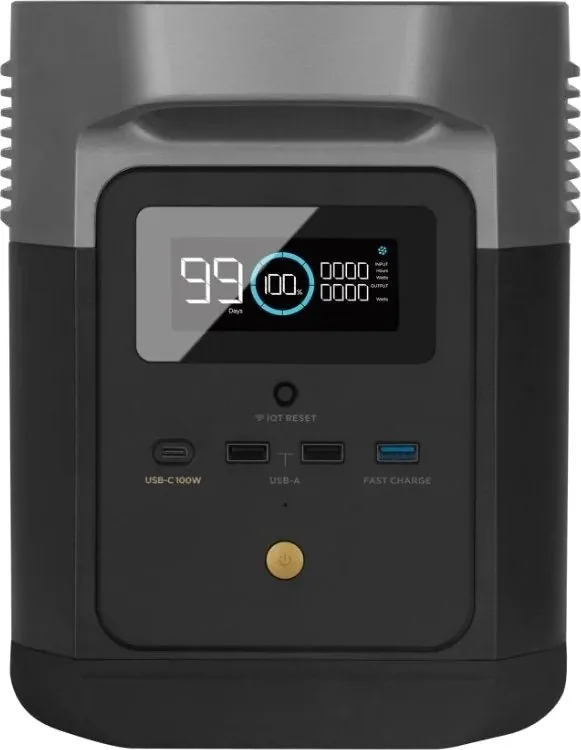
126 страниц
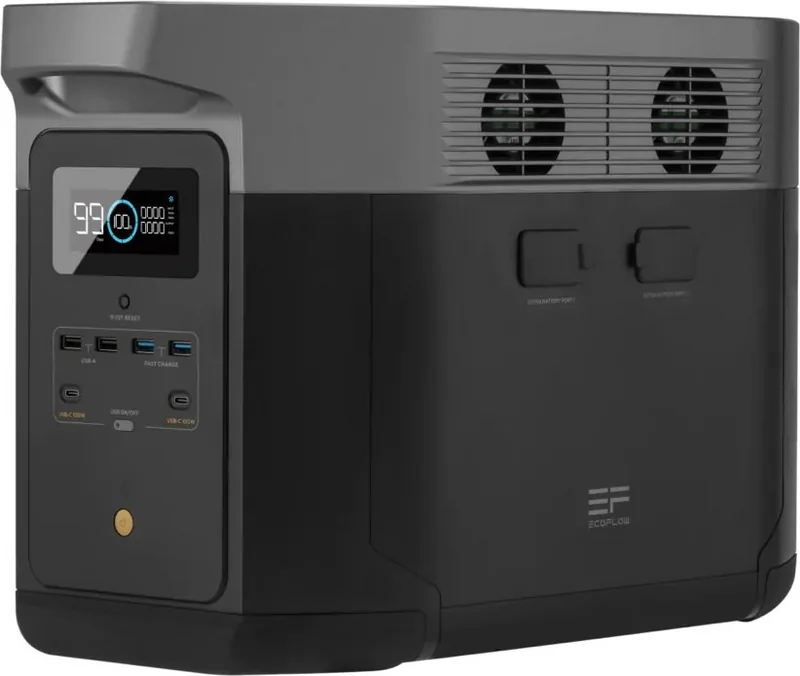
144 страниц
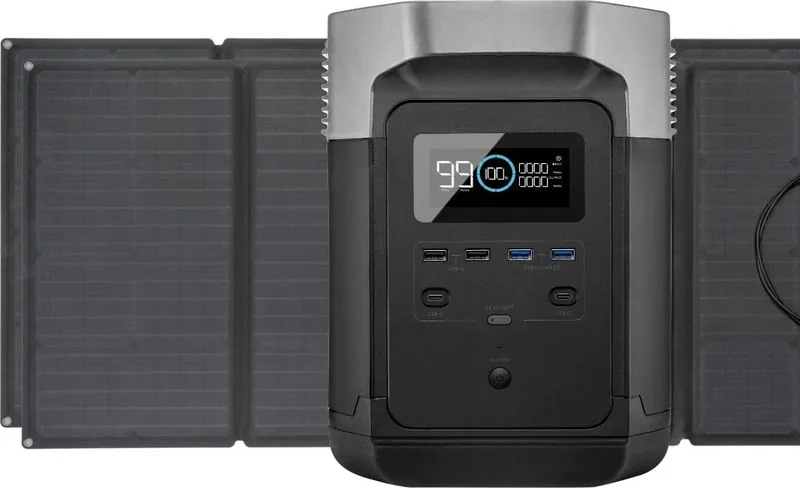
130 страниц
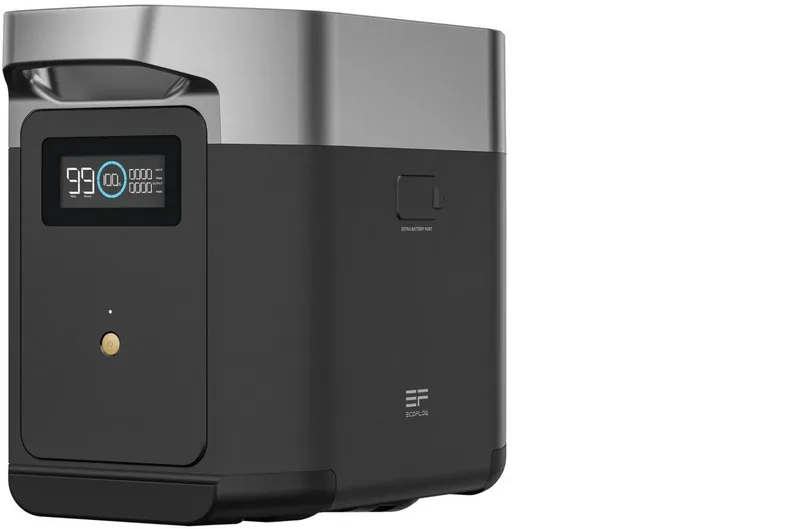
134 страниц
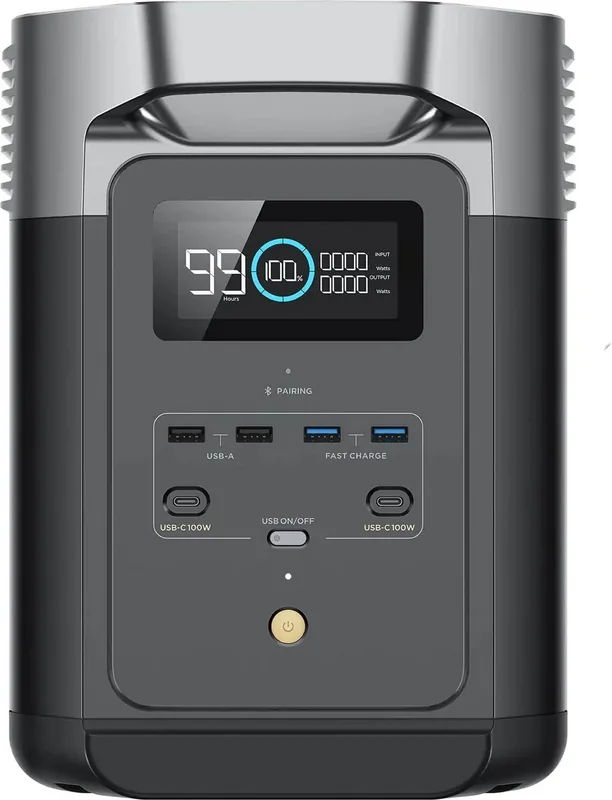
146 страниц
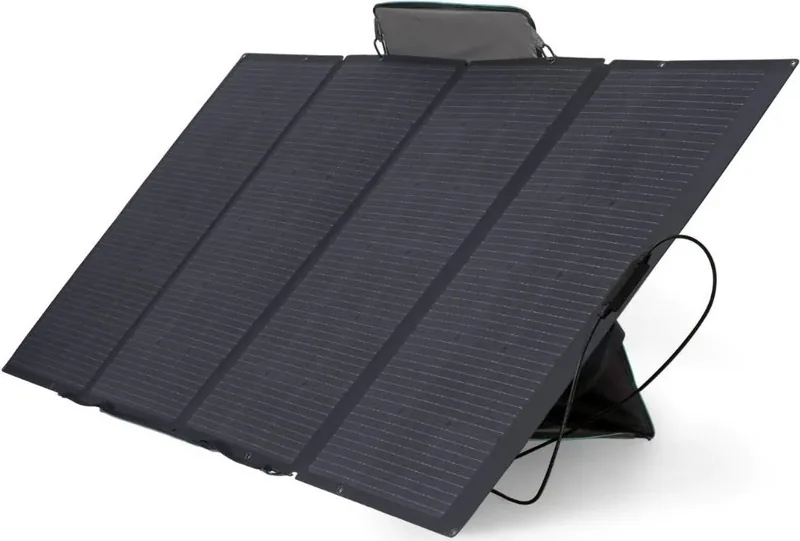
104 страниц
Категории


EcoFlow Manuals
Comprehensive Overview
EcoFlow Manuals serve as the official, authoritative guides for all EcoFlow products, from portable power stations to solar panels and accessories. These manuals are designed to be user-friendly resources that help customers understand setup, operation, maintenance, troubleshooting, safety precautions, and warranty information. They are crafted to accommodate different user needs, whether you are a first-time EcoFlow user, a professional installer, or someone who relies on EcoFlow gear for critical workflows. By consolidating product-specific instructions, diagrams, and best practices, the EcoFlow manuals aim to empower users to maximize efficiency, safety, and longevity of their EcoFlow systems.
Scope and Variety
EcoFlow manufactures a diverse lineup of products, including portable power stations such as the River, Delta, and Wave series, solar panels, power banks, and related accessories like cables, adapters, and charging docks. Each product typically has its own dedicated manual that covers:
- Product overview and specifications
- Setup and connectivity steps
- Operating modes and usage scenarios
- Charging options (AC, solar, and USB-C inputs when applicable)
- Battery management and health indicators
- Safety warnings and disposal guidelines
- Maintenance tips and troubleshooting steps
- Firmware updates and software integration (where applicable)
- Warranty terms and support contact information
Because EcoFlow products often work together as a system, some manuals also include information about linking devices, creating power setups, and expanding capacity with additional modules or panels. The manuals may reference the EcoFlow app or web portal for monitoring, control, and firmware updates, providing a holistic view of how hardware and software cooperate to deliver real-time insights and improved user experience.
Accessing EcoFlow Manuals
Online Access
EcoFlow maintains an official support portal where customers can locate manuals by product family or model number. This portal provides:
- PDF downloads of current and archived manuals
- Quick-start guides and setup wizards
- Wiring diagrams and schematics for authorized installers
- FAQ sections and troubleshooting flowcharts
- Safety data sheets and regulatory information
- Software and app integration guides
In-Box Documentation
Many EcoFlow products include compact quick-start guides inside the packaging. These reference sheets typically cover essential setup steps, safety cautions, and initial charging instructions to get users up and running quickly without needing to search online.
Product-Specific Variations
Due to the variety of models, there may be differences in terminology, available ports, display icons, and charging capabilities across manuals. Common sections are adapted to reflect the unique features of each model, such as:
- Number and type of outlets (AC, DC, USB-C, car output)
- Solar input compatibility and maximum wattage
- Battery chemistry and cycle life expectations
- Display readouts for battery level, input/output status, and fault codes
- App integration steps for Bluetooth or Wi-Fi connections
Structure and Content of EcoFlow Manuals
Getting Started
The initial sections guide users through unboxing, identifying model numbers and parts, and performing the first charge. They typically include:
- Unboxing checklist
- Safety precautions and handling guidelines
- Required tools or accessories for setup (if any)
- Basic connection steps for power up and initial charging from the grid or solar input
Setup and Installation
This portion covers how to physically install or place the device, including:
- Proper ventilation and environmental considerations
- Placement near outlets, solar input, or vehicle adapters
- Connecting compatible solar panels in series or parallel configurations (for modular panels)
- Wiring diagrams for standard configurations and guidelines for avoiding overloading
- Tips for optimizing charging efficiency in various ambient conditions
Operating Instructions
How to operate the device once powered up, with subsections such as:
- Powering on/off sequences and status indicators
- Selecting power sources (AC, solar, car/12V, USB-C)
- Using built-in displays and LED indicators to read battery status
- Managing output ports and peak power considerations
- Using any programmable modes (eco-mode, surge mode, or adjustable power distribution)
- Running connected appliances and calculating runtime estimates
App and Software Integration (If Applicable)
Many EcoFlow products integrate with apps for enhanced control and monitoring. This section covers:
- How to download and install the EcoFlow app
- Pairing devices via Bluetooth or Wi-Fi
- Features such as live battery status, charging schedules, and remote monitoring
- Firmware update procedures and how to verify successful updates
- Troubleshooting connectivity issues and account management
Safety and Handling
A focused safety section that emphasizes:
- Electrical safety, shocks, and risk mitigation
- Safe charging practices and max input limits
- Handling and storage guidelines to preserve battery health
- Environmental precautions, including temperature and humidity ranges
- What to do in case of a fault, abnormal smells, or abnormal noises
- Disposal and recycling guidelines for batteries
Maintenance and Care
Guidelines to extend product life, including:
- Cleaning routines and recommended materials
- Inspecting cables and connectors for wear
- Battery health monitoring and estimated cycle life expectations
- Scheduling professional service or warranty considerations
Troubleshooting and FAQs
Common issues are addressed with step-by-step instructions, error codes, and quick fixes:
- Inability to power on or connect to app
- Slower-than-expected charging rates
- Unexpected shutdowns or thermal warnings
- Calculating runtime with varying loads and weather conditions
- When to contact support or initiate a warranty claim
Specifications and Compliance
Technical details for reference and compliance, including:
- Electrical ratings (input/output voltage, wattage, amperage)
- Battery capacity and chemistry specifics
- Operating temperature and storage ranges
- Regulatory and safety certifications
- Mechanical dimensions and weight
Warranty and Support
Clear information about warranty coverage, duration, registration requirements, and how to obtain service. It also provides:
- How to initiate a warranty claim
- What is covered and what might void coverage
- Customer support contact options and typical response times
Best Practices for Using EcoFlow Manuals
- Always refer to the manual that matches your exact model and revision number to ensure accuracy.
- Use the online portal for the most up-to-date information, especially for firmware and app integration.
- Follow safety warnings closely to prevent damage or injury when handling high-capacity portable power devices.
- Keep manuals stored with the device for quick access during installation, troubleshooting, or migration to a new system.
- When expanding a setup with additional panels or modules, review both the product manual and any system integration guides to ensure compatibility and safe operation.
Why EcoFlow Manuals Matter
EcoFlow manuals are designed to demystify complex systems and provide users with practical steps to achieve reliable, safe, and efficient power solutions. They translate technical specifications into actionable instructions, support ongoing maintenance, and help users troubleshoot issues without external assistance. For professional installers and technicians, these manuals serve as essential references that ensure installations meet safety standards and operate at peak performance.
Key Takeaways
- Manuals are model-specific and comprehensive, covering setup, operation, maintenance, safety, troubleshooting, and warranty.
- Access to manuals is available online and in-box, with app integration where applicable.
- Following the manuals helps maximize efficiency, safety, and longevity of EcoFlow products.
- Always verify you are using the correct revision of the manual for your exact product configuration.
Closing Remarks
EcoFlow Manuals are more than just instruction sheets; they are the primary resource for users to unlock the full potential of EcoFlow technology. By combining clear guidance with practical tips and safety considerations, these manuals enable users to achieve seamless power management in a variety of environments, from home backup setups to remote outdoor adventures. Whether you are powering a critical workflow, charging devices on the go, or building a scalable solar-powered system, consult the EcoFlow manual that corresponds to your device and enjoy a safer, more efficient, and dependable power experience.
Поиск: 67 706 Инструкции онлайн


Введите бренд или модель